Drafting surface
Scene-based editor
Write scene by scene. Reorder with precision. Adjust at the block level without breaking the rhythm of the page.
A screenplay needs more than a page. It needs memory, structure, perspective, and a place to return to without losing the thread. SceneFlow brings drafting, review, story logic, and revision into one calm, continuous environment.
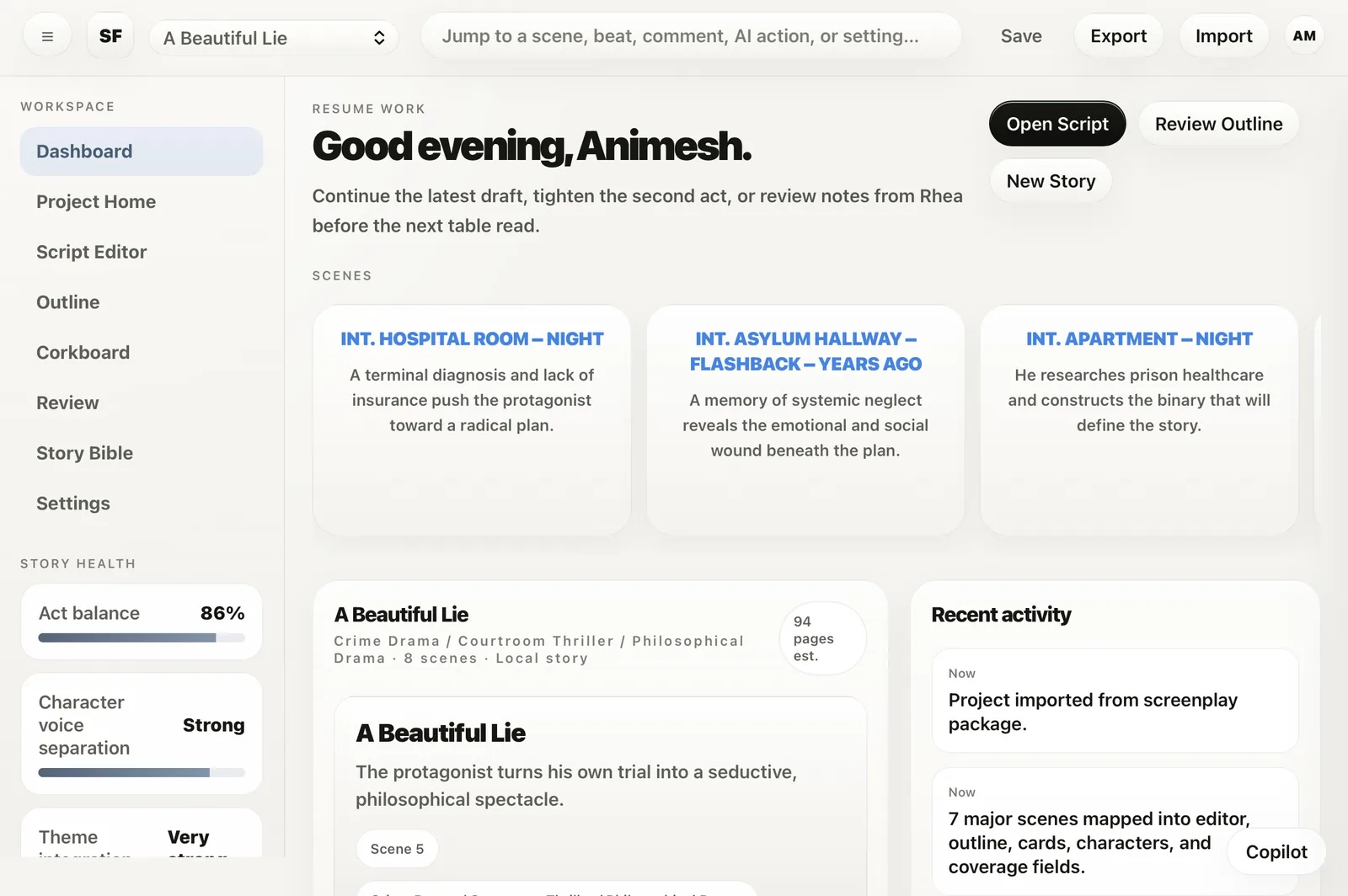
Most tools make the writer keep too much in their head. SceneFlow carries more of the work with you. Drafting, structure, notes, review, and story reference stay in the same atmosphere, so the writing can remain the main event.
Write scene by scene. Reorder with precision. Adjust at the block level without breaking the rhythm of the page.
Keep characters, locations, world logic, and scene context close to the draft, where they can actually help the work.
Review notes stay beside the material they belong to, so feedback remains useful, visible, and easy to resolve.
When deeper thinking is needed, research and guidance arrive in context, not as a distraction.
The strongest thing about the product is not a single feature. It is the absence of unnecessary distance. Between the writer and the scene. Between the scene and the notes. Between the draft and the structure around it.
The screenplay is broken into workable units, so focus becomes easier and movement becomes precise.
Characters, world notes, goals, fears, and linked scenes stay close enough to influence the writing while it is happening.
Comments, summaries, and unresolved notes live where they can be acted on, not buried in another mode.
Research and guidance arrive beside the scene that needs them, instead of dragging the writer into a separate tool.
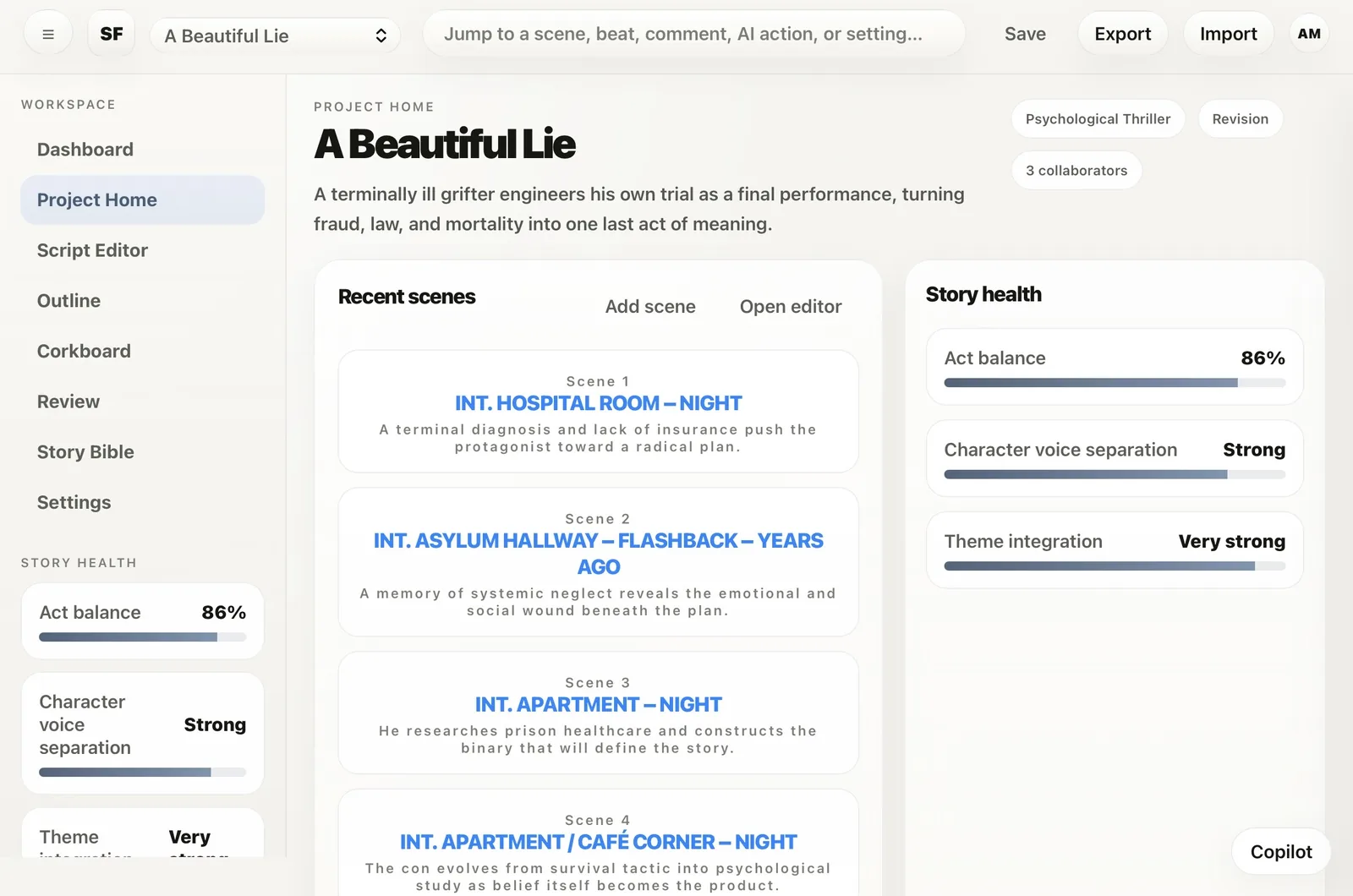
Open the project and the essentials are already there: recent scenes, story health, collaborators, and the current shape of the work. No digging. No setup friction. Just immediate orientation.
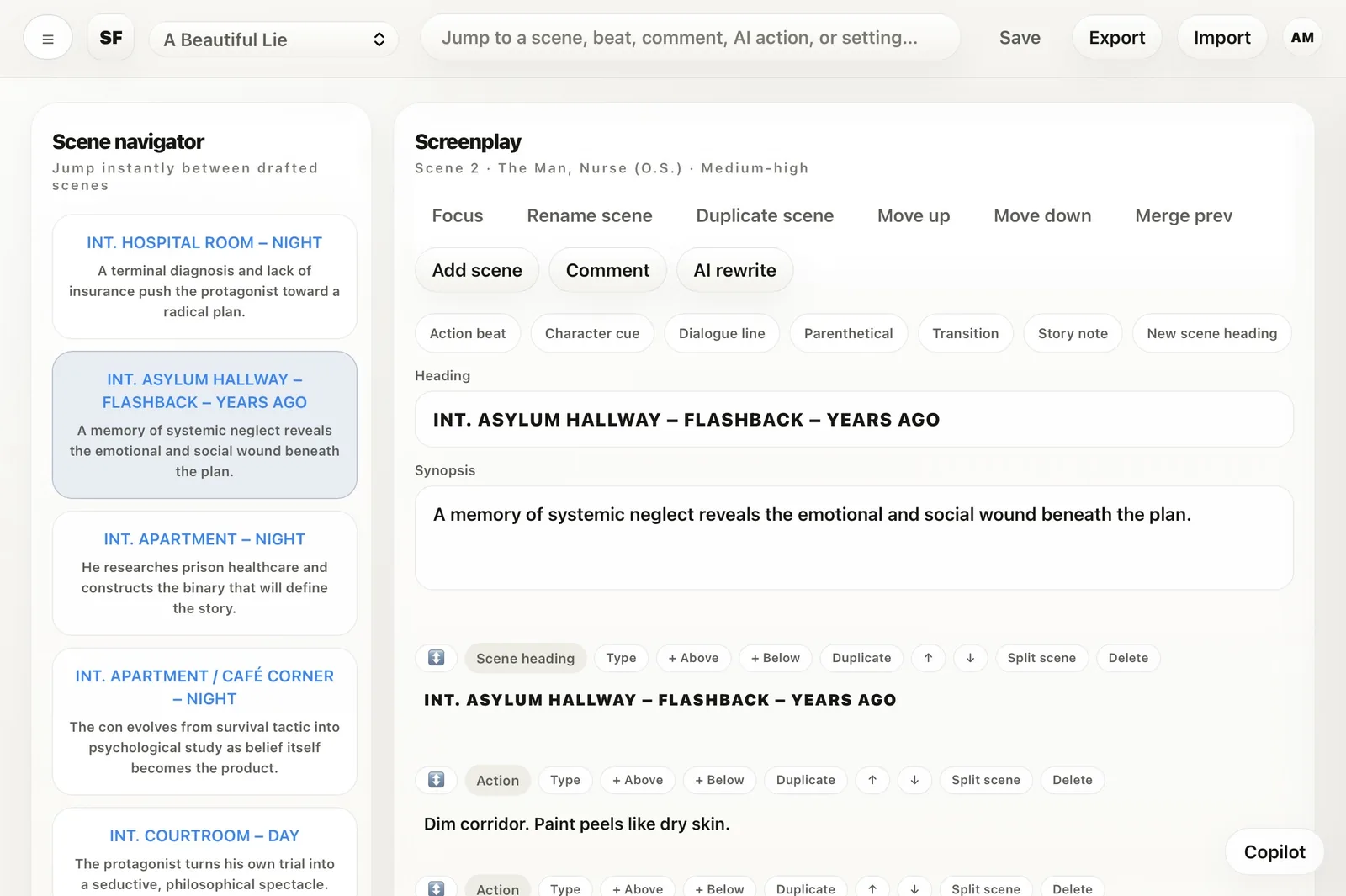
Scene navigation, synopsis, screenplay blocks, and editing actions sit exactly where they should. The result is an editor that feels controlled, flexible, and fast without ever becoming visually loud.
The Story Bible is not a detached archive. It is part of the writing system. Characters, motives, notes, roles, and linked scenes remain alive inside the same environment as the draft.
Scene summaries remain easy to read while comments and unresolved notes stay close enough to act on. It feels less like annotation overload and more like a deliberate editorial pass.
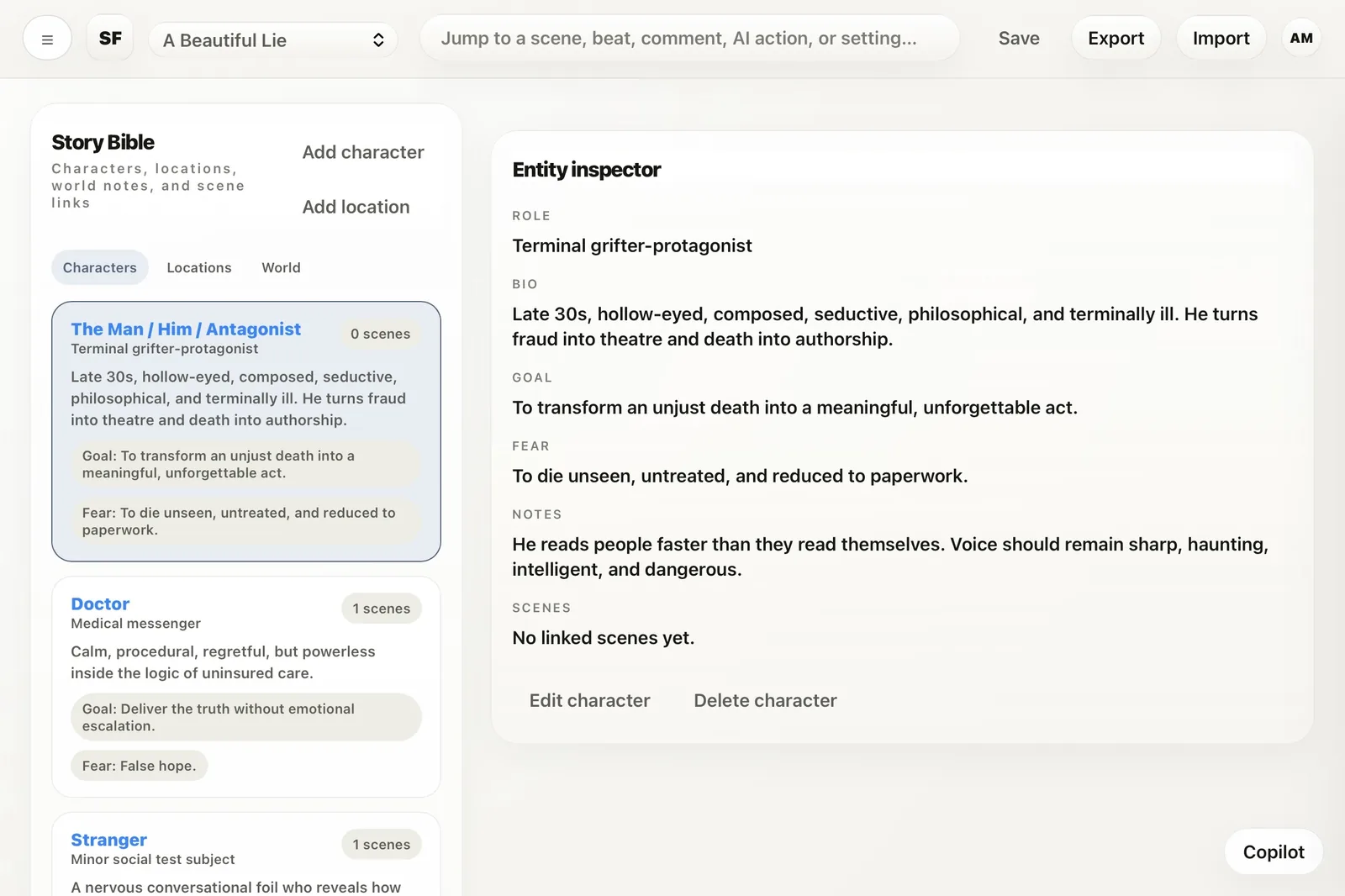
Role, biography, goals, fears, notes, and linked scenes are all visible in one place. That makes it easier to protect continuity, sharpen intent, and keep the screenplay internally honest.
The editor, review surface, corkboard, research layer, and story tools share the same spatial logic, typography, and behavior. That unity matters. It keeps attention on the material instead of on re-learning the interface.
Keep the shape of a scene visible while notes stay close enough to resolve immediately.
See movement across the story in cards, then bring in research only when the scene genuinely needs more texture or grounding.
Insert, duplicate, move, split, or change block types with precision. The controls are powerful, but they never dominate the work.
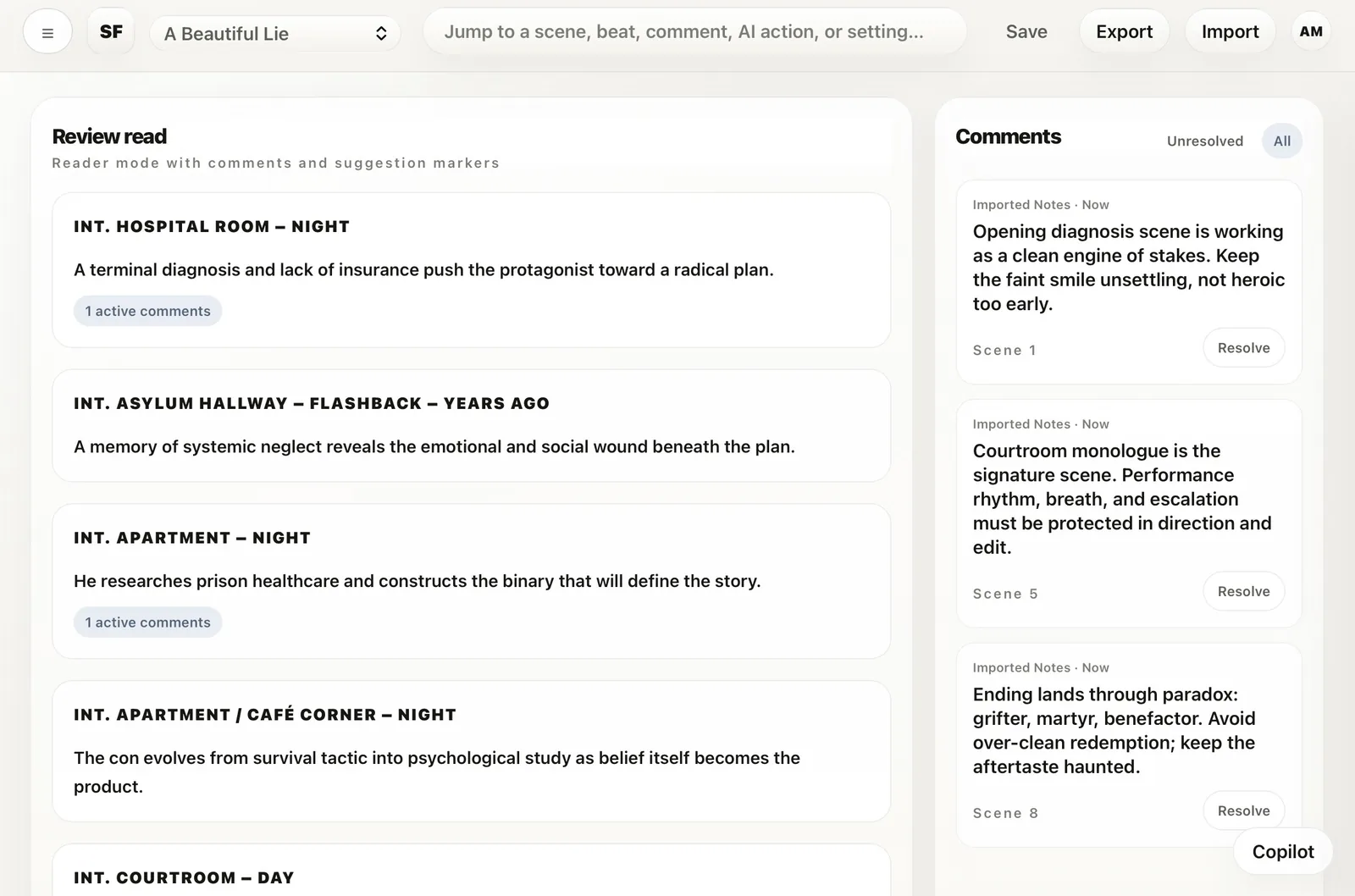
Notes live in a dedicated rail while scene summaries remain front and center. So the screenplay stays readable, even when the feedback gets dense.
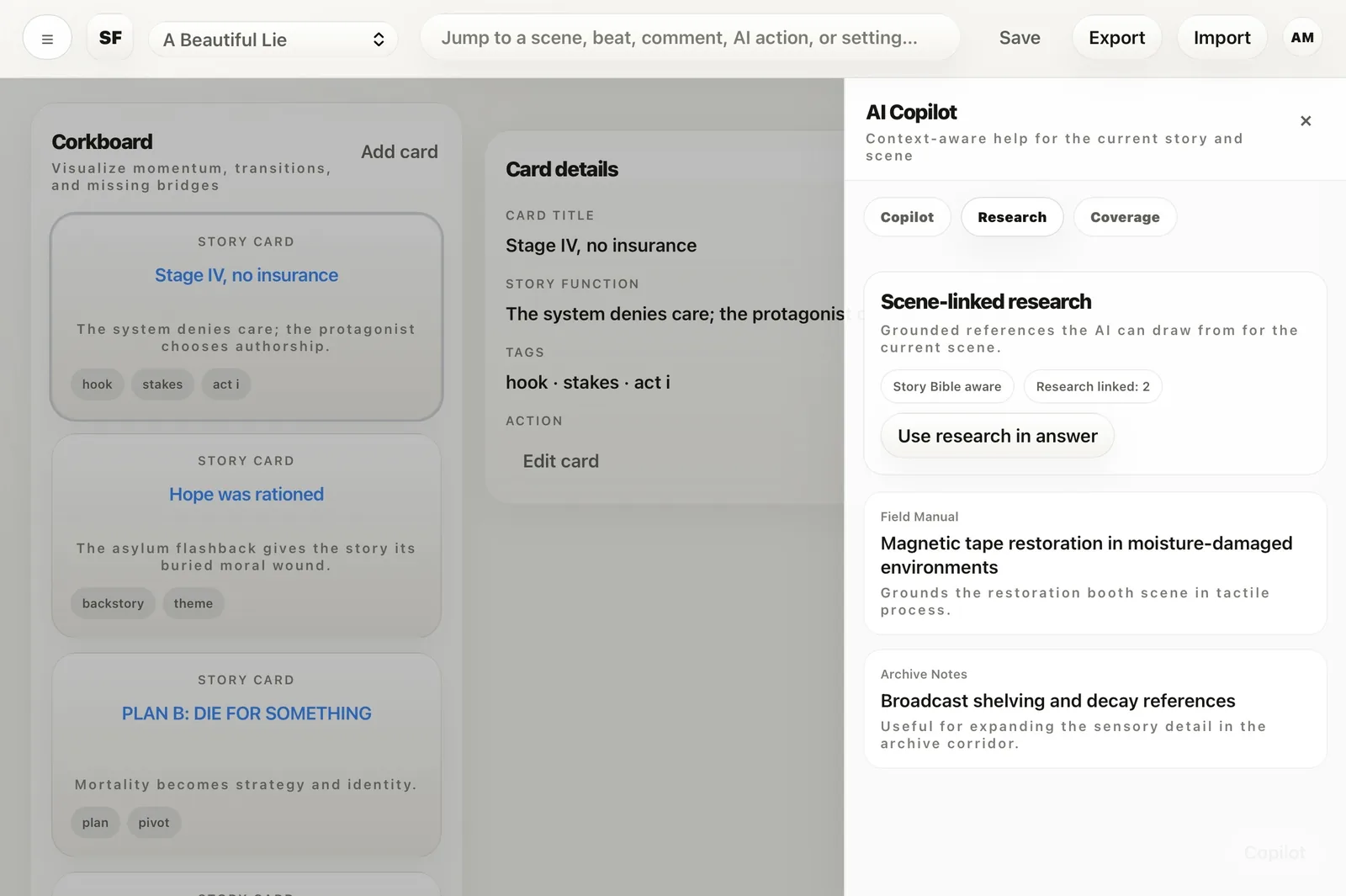
Story cards reveal momentum, transitions, and gaps. The adjacent intelligence layer adds research and coverage support without overwhelming the board.
Not just drafting. Not just outlining. Real work moves between momentum, doubt, inspection, and return. SceneFlow is strongest in that movement, because each mode stays connected to the same story.
Return to the work with recent scenes, activity, and story health immediately in view.
Move into a focused editor where navigation, synopsis, and screenplay blocks stay ordered and close at hand.
Check motivation, world logic, transitions, and narrative shape without scattering your attention across separate tools.
Resolve feedback, revise with precision, and tighten the work without losing the feeling of the whole.
When the work gets serious, the page usually fractures into comments, reminders, separate documents, and mental overhead. SceneFlow keeps revision in the same calm environment as the draft, so tightening the story still feels like writing, not bookkeeping.
Reader mode, comment rails, scene-linked notes, resolve actions, and revision states create a review layer that is disciplined without becoming cold. The material stays readable. The feedback stays useful.
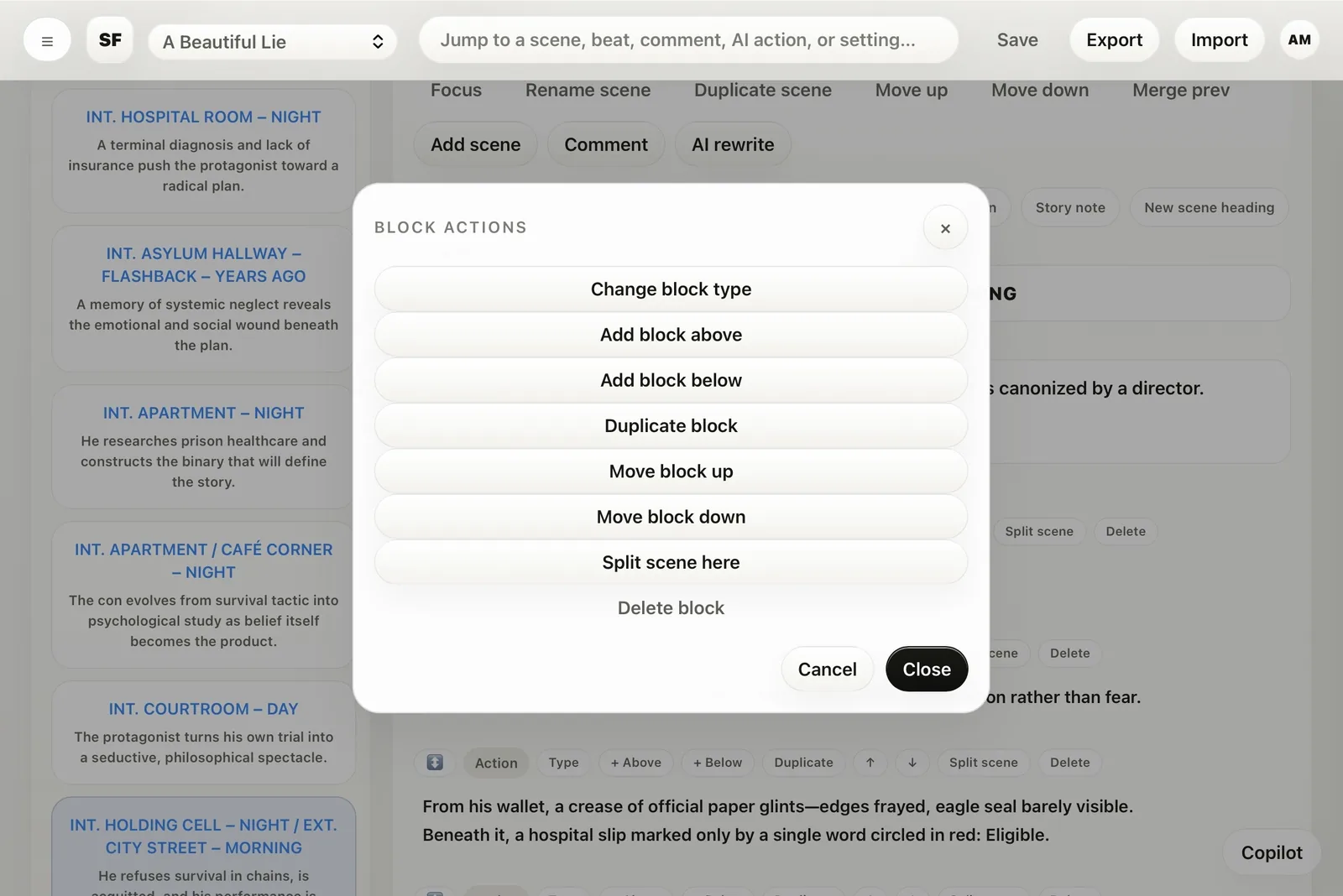
Add above. Add below. Duplicate. Move. Split. Change type. Delete. The operations are comprehensive, but they are framed with enough restraint that the writing surface still feels clean.
Sometimes the right move is a scene. Sometimes it is a line. Sometimes it is a block. SceneFlow gives each of those levels a clear place.
The product keeps orientation visible, so you can step out, review, rethink, and step back in without losing the thread of the scene.
Not just pages. Not just notes. Not just cards. Writing, structure, reference, and revision are finally held together in one clear environment.
Change block type. Insert above or below. Duplicate. Move. Split. Delete. The control is comprehensive, but the interface never needs to shout about it.
You feel the product before you learn it. The same spacing discipline, typography rhythm, rounded surfaces, and control behavior carry across every view. That makes the system easier to trust, and much easier to live inside.
The screenshots already show the signs of a product that wants to be used daily: save, export, import, collaborators, revision state, project health, activity, comments, and guided rewriting. The promise is not only elegance. It is continuity.
Recent scenes, activity, and story health make it easier to pick the work back up without a long re-entry ritual.
A serious writing environment cannot be a dead end. Moving work in and out is part of professional trust.
Feedback, resolution, and redrafting are treated as first-class parts of the process rather than patched-on extras.
The system already signals a broader team context, which matters the moment a screenplay stops being private and starts becoming production.
Most scripts do not fail because the first page was weak. They fail because the middle became fragmented, feedback turned shapeless, and the work lost its coherence. SceneFlow is compelling because it keeps the entire process gathered in one place.